Translation Guide
formio-react-native provides a built-in internationalization (i18n) system that allows you to easily localize your forms and applications. This guide explains how to configure languages, provide translations, and handle RTL layouts.
Core Concepts
The library uses a React Context-based approach with I18nProvider to supply translation data and the useI18n hook to consume it.
1. FormioProvider
Pass your i18n configuration to the FormioProvider to make translations available throughout your application.
import React from 'react';
import { FormioProvider } from '@formio/react-native';
import AppContent from './AppContent';

const customTranslations = {
  fr: {
    'First Name': 'Prénom',
    'Enter your first name': 'Entrez votre prénom',
  },
  ar: {
    'First Name': 'الاسم الأول',
    'Enter your first name': 'أدخل اسمك الأول',
  },
  en: {
    'First Name': 'First Name',
    'Enter your first name': 'Enter your first name',
  },
};

export default function App() {
  return (
    <FormioProvider
      i18n={{
        language: 'en',
        translations: customTranslations,
        rtlLanguages: ['ar', 'he', 'fa', 'ur'],
      }}
    >
      <AppContent />
    </FormioProvider>
  );
}
2. useI18n Hook
Use the useI18n hook within any component under FormioProvider to access the current language, translation function, and RTL status.
import React from 'react';
import { View, Text, TouchableOpacity, StyleSheet } from 'react-native';
import { useI18n } from '@formio/react-native';

function LanguageSwitcher() {
  const { setLanguage, language } = useI18n();

  const languages = [
    { code: 'en', label: 'English' },
    { code: 'fr', label: 'Français' },
    { code: 'ar', label: 'العربية' },
  ];

  return (
    <View style={styles.languageSwitcherContainer}>
      {languages.map((lang) => (
        <TouchableOpacity
          key={lang.code}
          style={[
            styles.languageButton,
            {
              backgroundColor: lang.code === language ? '#4338CA' : '#E5E7EB',
            },
          ]}
          onPress={() => setLanguage(lang.code)}
        >
          <Text style={{ color: lang.code === language ? '#fff' : '#1F2937' }}>
            {lang.label}
          </Text>
        </TouchableOpacity>
      ))}
    </View>
  );
}

const styles = StyleSheet.create({
  languageSwitcherContainer: {
    flexDirection: 'row',
    justifyContent: 'center',
    marginVertical: 10,
  },
  languageButton: {
    paddingHorizontal: 18,
    paddingVertical: 10,
    borderRadius: 12,
    marginHorizontal: 5,
  },
});
Form Translation
The FormioForm component automatically uses the I18nContext to translate field labels, placeholders, and error messages if the keys match your translation object.
Translation Keys
When defining your form schema, the text values (labels, placeholders) act as keys.
const formSchema = {
  components: [
    {
      type: 'textfield',
      key: 'firstName',
      label: 'First Name', // This string is the lookup key
      placeholder: 'Enter your first name'
    }
  ]
};

// In your translations config:
// en: { 'First Name': 'First Name', 'Enter your first name': 'Enter your first name' }
// fr: { 'First Name': 'Prénom', 'Enter your first name': 'Entrez votre prénom' }
Visual Examples
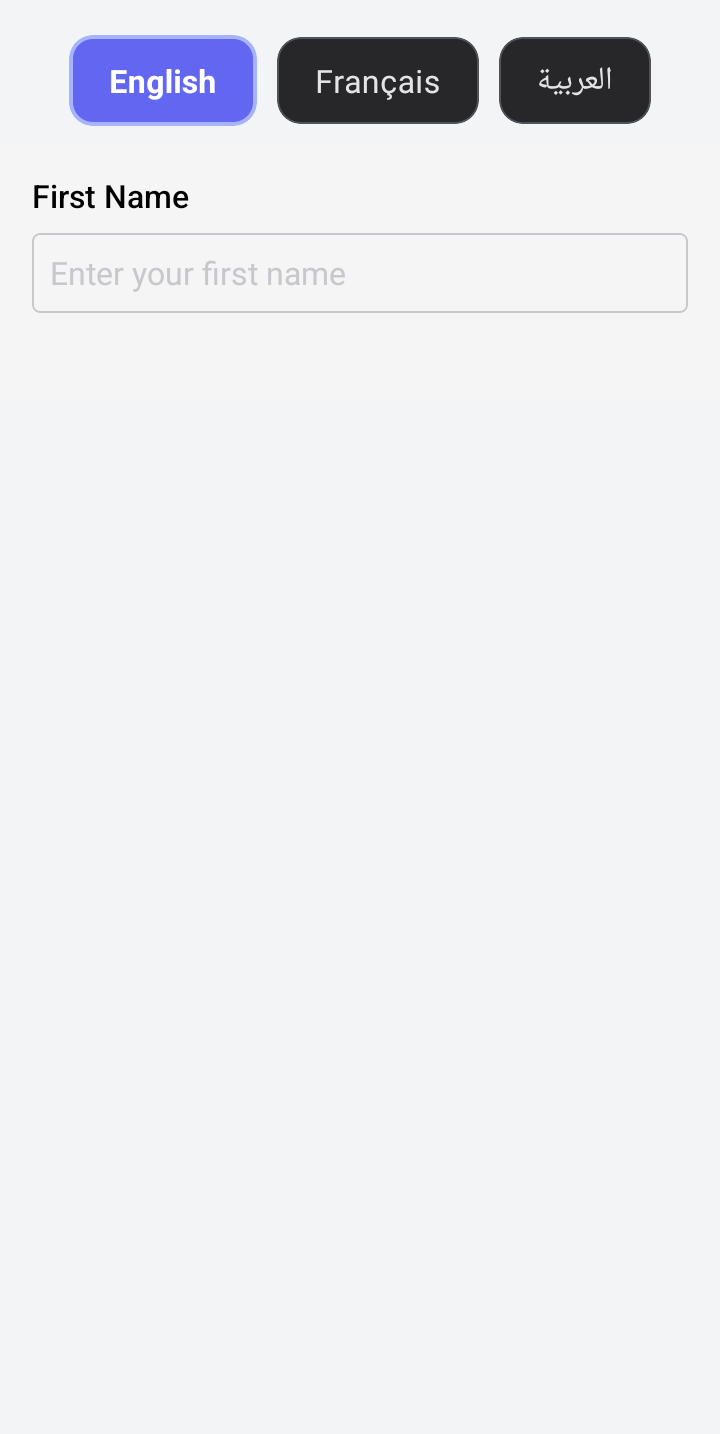
English (Default)
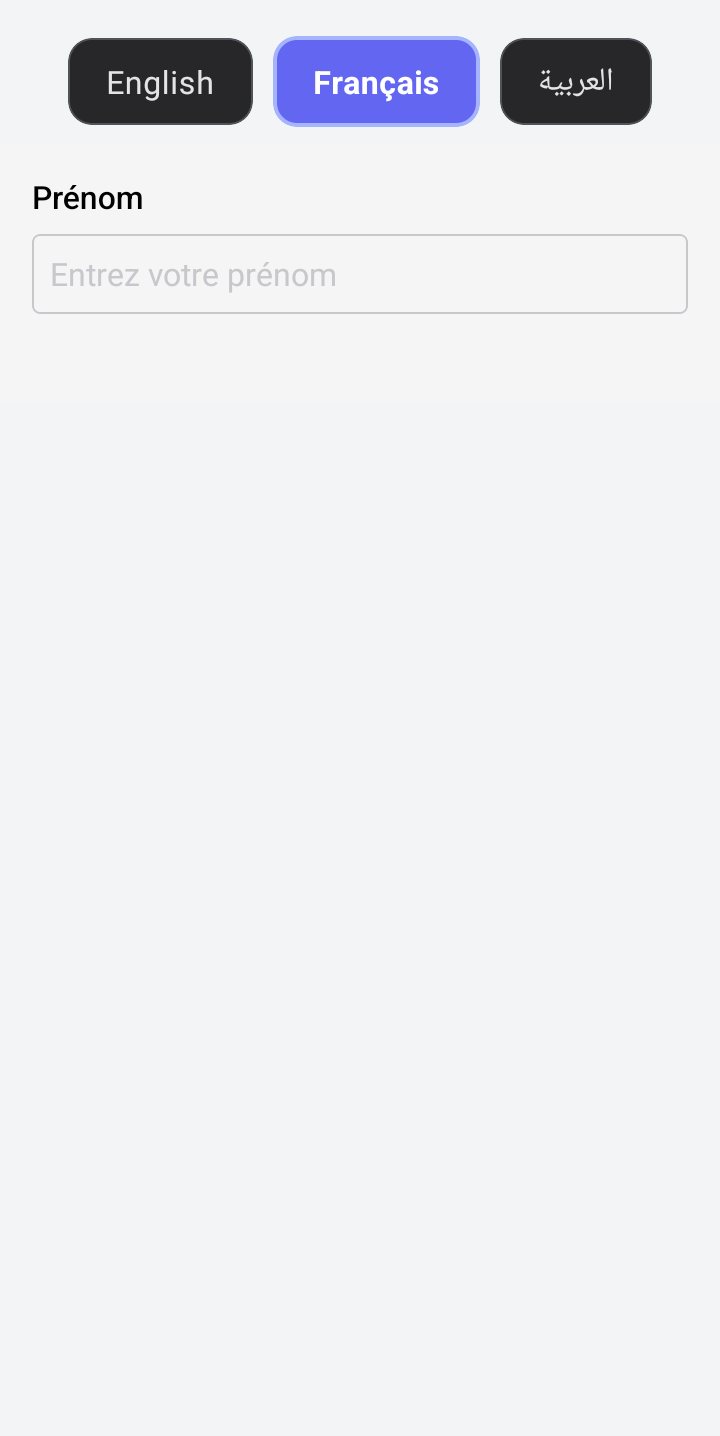
French
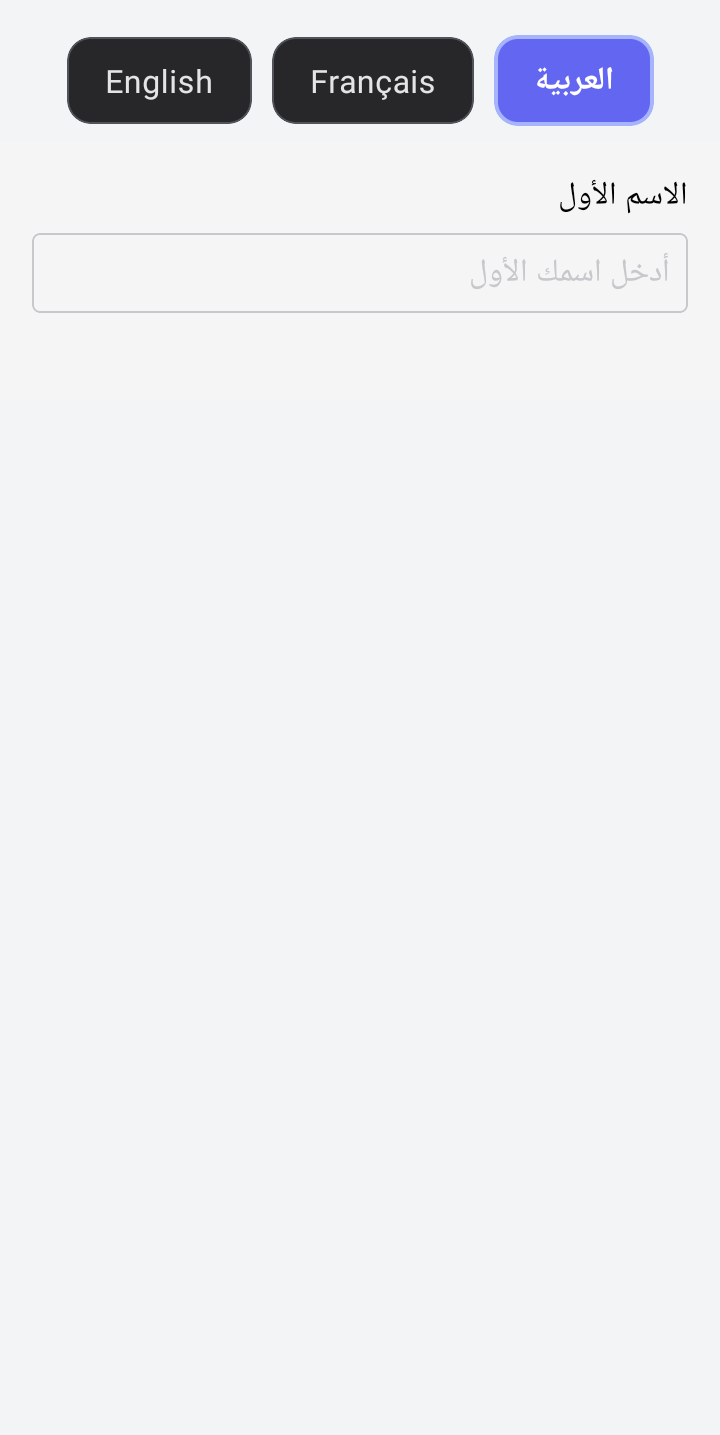
Arabic (RTL)