Styling Guide
formio-react-native features a robust theming system that allows you to customize the look and feel of your forms globally or per component. The system is built on top of a context-based provider and a useTheme hook.
Theme Configuration
The FormioTheme object defines the design tokens for your application, including colors, spacing, typography, and component-specific styles.
1. Defining a Theme
You can create a custom theme object conforming to the FormioTheme interface.
import { FormioTheme } from '@formio/react-native';

const myCustomTheme: FormioTheme = {
  colors: {
    primary: '#6200ee',
    secondary: '#03dac6',
    error: '#b00020',
    background: '#ffffff',
    text: '#000000',
    border: '#e0e0e0',
  },
  spacing: {
    sm: 8,
    md: 16,
    lg: 24,
  },
  typography: {
    fontSize: {
      md: 16,
      lg: 20,
    },
    fontWeight: {
      bold: '700',
    }
  },
  borderRadius: {
    md: 4,
    full: 9999,
  }
};
2. Applying the Theme
Pass your custom theme to the FormioProvider.
import { FormioProvider } from '@formio/react-native';

const App = () => {
  return (
    <FormioProvider theme={myCustomTheme}>
      {/* Your app code */}
    </FormioProvider>
  );
};
Using the Theme Hook
The useTheme hook gives you access to theme values and helper functions to create consistent styles.
import React from 'react';
import { View, Text } from 'react-native';
import { useTheme } from '@formio/react-native';

const MyStyledComponent = () => {
  const { getColor, getSpacing, createStyles } = useTheme();

  // Access values directly
  const primaryColor = getColor('primary');

  // Create stylesheet using theme values
  const styles = createStyles((theme) => ({
    container: {
      padding: theme.spacing?.md,
      backgroundColor: theme.colors?.background,
      borderColor: theme.colors?.primary,
      borderWidth: 1,
    },
    text: {
      color: theme.colors?.text,
    }
  }));

  return (
    <View style={styles.container}>
      <Text style={styles.text}>Themed Content</Text>
    </View>
  );
};
Component-Specific Styling
You can also override styles for specific Formio components within the theme object.
const theme = {
  // ... global styles
  components: {
    button: {
      borderRadius: 8,
      height: 48,
    },
    textfield: {
      backgroundColor: '#f5f5f5',
    }
  }
};
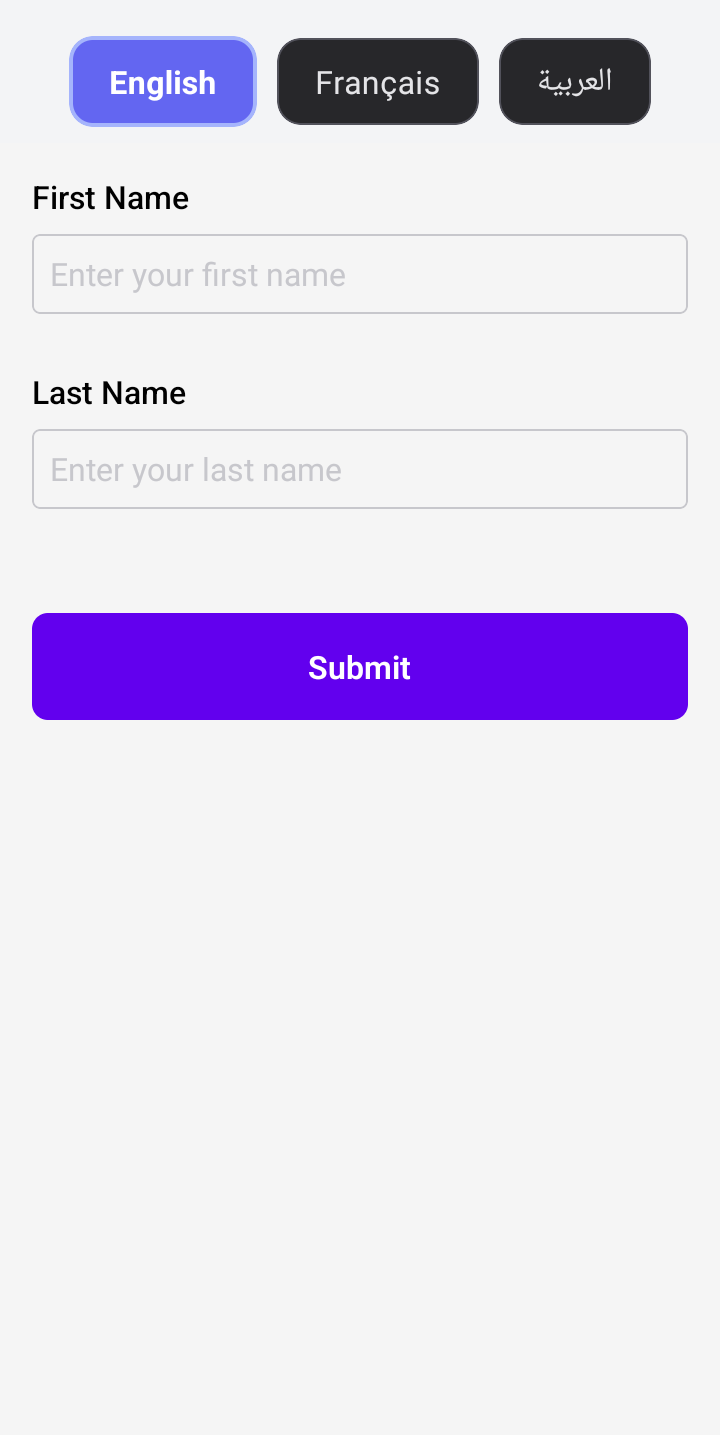
Dark Mode Support
You can implement dark mode by dynamically swapping the theme object passed to FormioProvider based on the system appearance or user preference.
import { useColorScheme } from 'react-native';

const App = () => {
  const colorScheme = useColorScheme();
  const theme = colorScheme === 'dark' ? darkTheme : lightTheme;

  return (
    <FormioProvider theme={theme}>
      <FormioForm form={formSchema} />
    </FormioProvider>
  );
};