RTL Implementation Guide
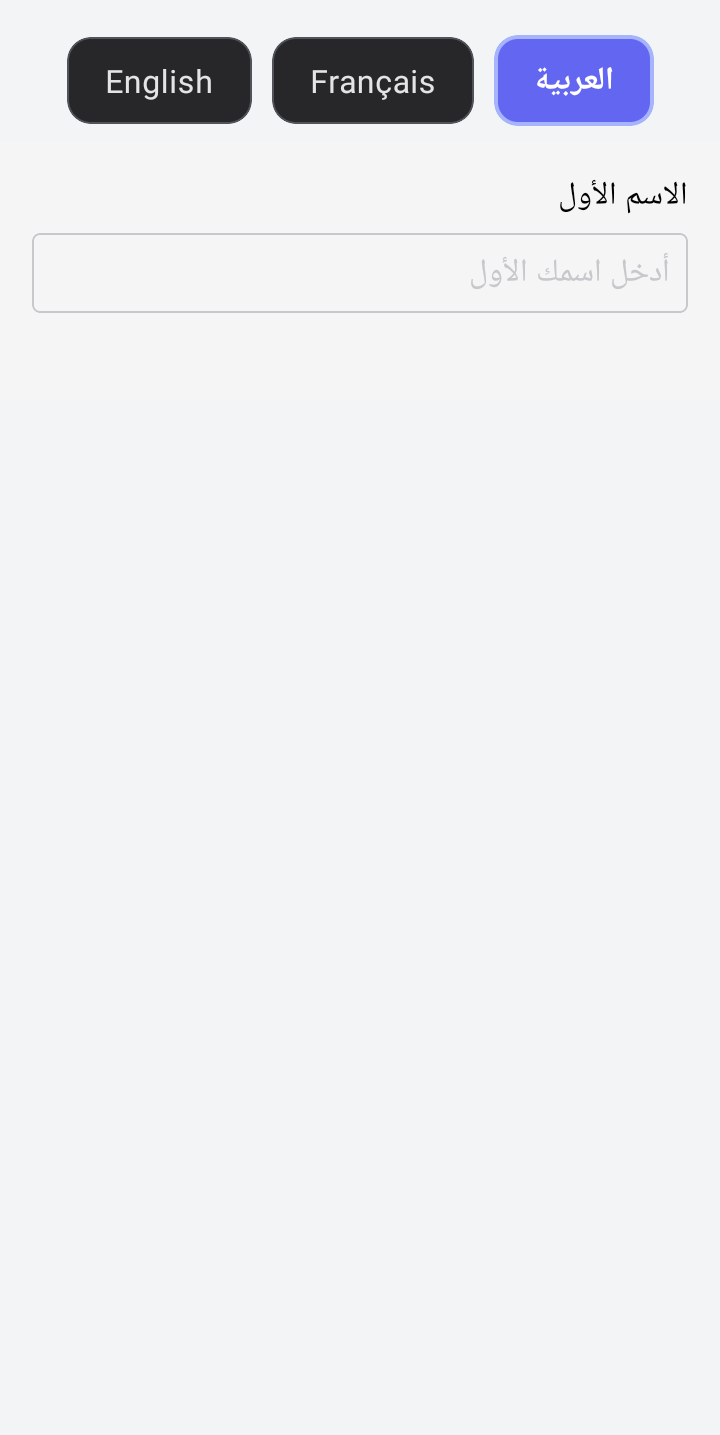
Supporting Right-to-Left (RTL) languages like Arabic, Hebrew, and Persian is a core feature of formio-react-native. The library handles layout mirroring and text alignment automatically when an RTL language is selected.
Automatic RTL Support
When you set an RTL language in the FormioProvider's i18n config, the library automatically:
- Mirrors Layouts: Flex containers using
rowdirection are reversed. - Aligns Text: Text alignment switches from left to right.
- Flips Icons: Directional icons (like arrows) are mirrored.
// This configuration automatically triggers RTL mode
const i18nConfig = {
  language: 'ar',
  translations: { ar: { ... } },
  rtlLanguages: ['ar', 'he'] // 'ar' is in this list, so isRTL becomes true
};

<FormioProvider i18n={i18nConfig}>
  <App />
</FormioProvider>
Using RTL Utilities
If you are building custom components or extending the library, you can use the exported RTL utilities to ensure your UI adapts correctly.
import { useI18n, useTheme } from '@formio/react-native';
import { View, Text, StyleSheet } from 'react-native';

const CustomRTLComponent = () => {
  const { isRTL } = useI18n();
  const { createStyles } = useTheme();

  const styles = createStyles((theme) => ({
    container: {
      // Flex direction will not automatically flip unless you handle it
      // or use standard RN I18nManager if you rely on native flipping.
      // However, for controlled flipping based on context:
      flexDirection: isRTL ? 'row-reverse' : 'row',
      alignItems: 'center',
    },
    text: {
      textAlign: isRTL ? 'right' : 'left',
      marginLeft: isRTL ? 0 : 10,
      marginRight: isRTL ? 10 : 0,
    }
  }));

  return (
    <View style={styles.container}>
      <Text style={styles.text}>
        {isRTL ? 'مرحبا بالعالم' : 'Hello World'}
      </Text>
    </View>
  );
};
Helper Functions
The library provides specific utility functions (available via internal utils or by copying the logic) to help with RTL styles.
Note: While rtlUtils are used internally, you can replicate their logic easily using the isRTL boolean from useI18n.
Common Patterns
Text Alignment
textAlign: isRTL ? 'right' : 'left'
Flex Direction
flexDirection: isRTL ? 'row-reverse' : 'row'
Margins/Padding
paddingLeft: isRTL ? undefined : 16,
paddingRight: isRTL ? 16 : undefined
Testing RTL
To test RTL in your app:
- Ensure you have an RTL language defined in your
translations. - Use the
setLanguagefunction fromuseI18nto switch to that language. - Verify that:
- Form labels align to the right.
- Input text starts from the right.
- Checkboxes and radio buttons move to the right of their labels (or vice versa depending on design).
- Columns in a
columnscomponent reverse order.